
How to Set Up a Minecraft Server from Scratch
Discover how to set up a Minecraft server from scratch with our detailed guide, covering everything from hosting to plugins.
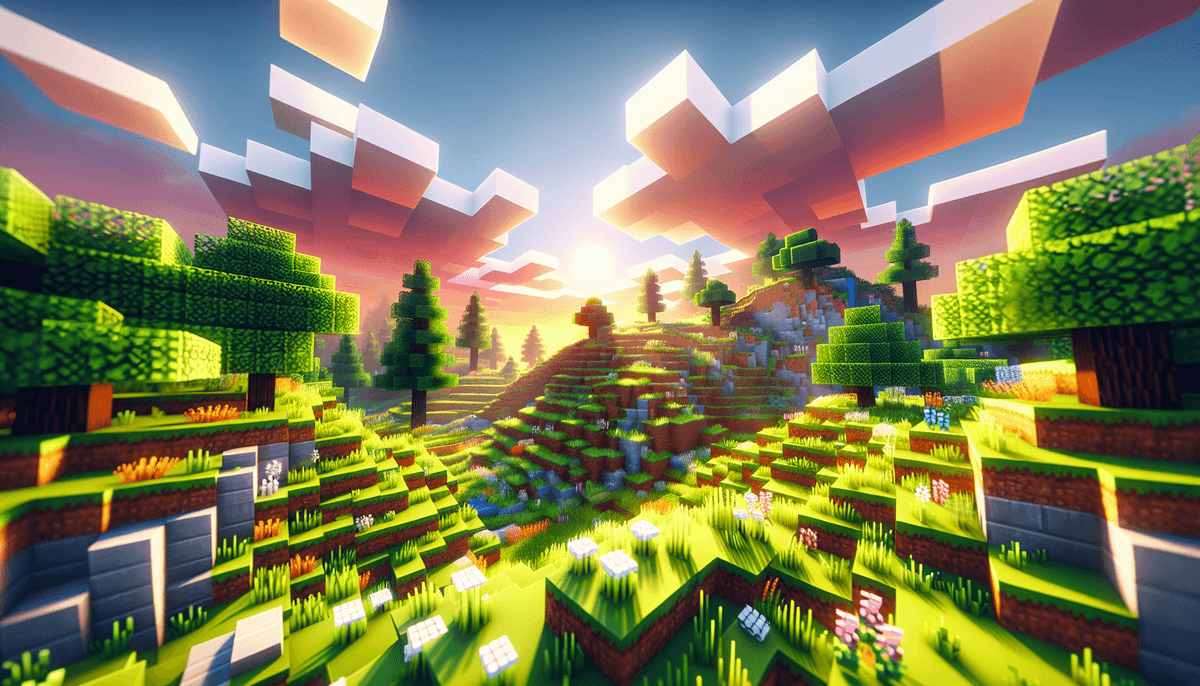
Introduction to Setting Up a Minecraft Server
Setting up a Minecraft server from scratch is a rewarding journey for any Minecraft enthusiast. Whether you want to play with friends or build a community, understanding the steps to start a Minecraft server is essential. This guide is tailored for those looking to dive deep into Minecraft server hosting without missing any crucial details.
Step 1: Choose Your Hosting Method
The first decision in your server journey is selecting the right hosting method. You can host your server locally on your computer, or you can opt for a dedicated Minecraft server hosting service.
Local Hosting Pros and Cons
- Pros: Cost-effective and gives you full control over server settings.
- Cons: Requires strong internet and computer resources; may not handle many players.
Dedicated Hosting Services
Using a dedicated hosting service is ideal for those who want to avoid the technical hassle. Services like Apex Hosting and BisectHosting offer ready-to-go solutions. While this method involves a monthly fee, it provides better performance and uptime.
Step 2: Install the Minecraft Server Software
Once you've chosen your hosting method, it's time to create a Minecraft server by installing the server software. For a basic setup, you can download the official server software from the Minecraft website.
Installing on Windows
- Download the Minecraft server .jar file.
- Create a new folder and place the .jar file inside.
- Open a command prompt and navigate to the folder.
- Run the command
java -Xmx1024M -Xms1024M -jar {server file name}.jar nogui. - Agree to the EULA by opening the eula.txt file and changing
falsetotrue. - Run the server again to start it.
Step 3: Configure Your Server
Configuration is where you set the rules for your server. Open the server.properties file to adjust settings like game mode, difficulty, and max players.
Popular Plugins and Mods
Enhance your server with plugins like EssentialsX for commands, WorldEdit for building, and LuckPerms for permissions. For modded servers, consider using Forge or Fabric as they offer extensive modding support.
Step 4: Secure Your Server
Security is crucial to protect your server from griefers and hackers. Use plugins like CoreProtect to log changes and NoCheatPlus to prevent cheating.
Step 5: Advertise Your Server
Once your server is up and running, it's time to get players. Listing your server on MCVoting helps boost visibility. You can also register your server to access more features like player voting rewards, which encourage player engagement and retention.
Conclusion
Setting up a Minecraft server from scratch is a fulfilling project. With the right tools and community support, your server can thrive. For more insights and tips, visit our blog.
FAQ
What is the best hosting option for a Minecraft server?
Dedicated hosting services are ideal for those who want reliability and ease of use, while local hosting is suitable for small, private servers.
How can I make my Minecraft server popular?
Promote your server on platforms like MCVoting, engage with your community, and offer unique features or gameplay experiences.
What plugins are essential for a Minecraft server?
EssentialsX, WorldEdit, and LuckPerms are essential plugins that provide commands, building tools, and permissions management.
How do I prevent griefing on my server?
Use plugins like CoreProtect to log player actions and GriefPrevention to restrict unwanted modifications.
Can I run a Minecraft server on a Raspberry Pi?
Yes, but it's best for small servers with limited players due to hardware constraints. Optimization is key for a smooth experience.